Whatever you do, don't cross the streams. Wait, actually, go ahead and cross them.
High resolution wave file lossless conversion tool with metadata extraction.
Overview
Some problems start small. Like buying high-ressolution WAV files from Bleep then realizing they don't support metadata. No artist names. No album art. Just pristine audio and existential dread.
What began as a Python script evolved into something bigger. It converted WAV files to Apple Lossless while automatically extracting metadata from accompanying MP3 or FLAC files. Because manually tagging hundreds of tracks is the kind of tedious nightmare that makes you question your life choices.
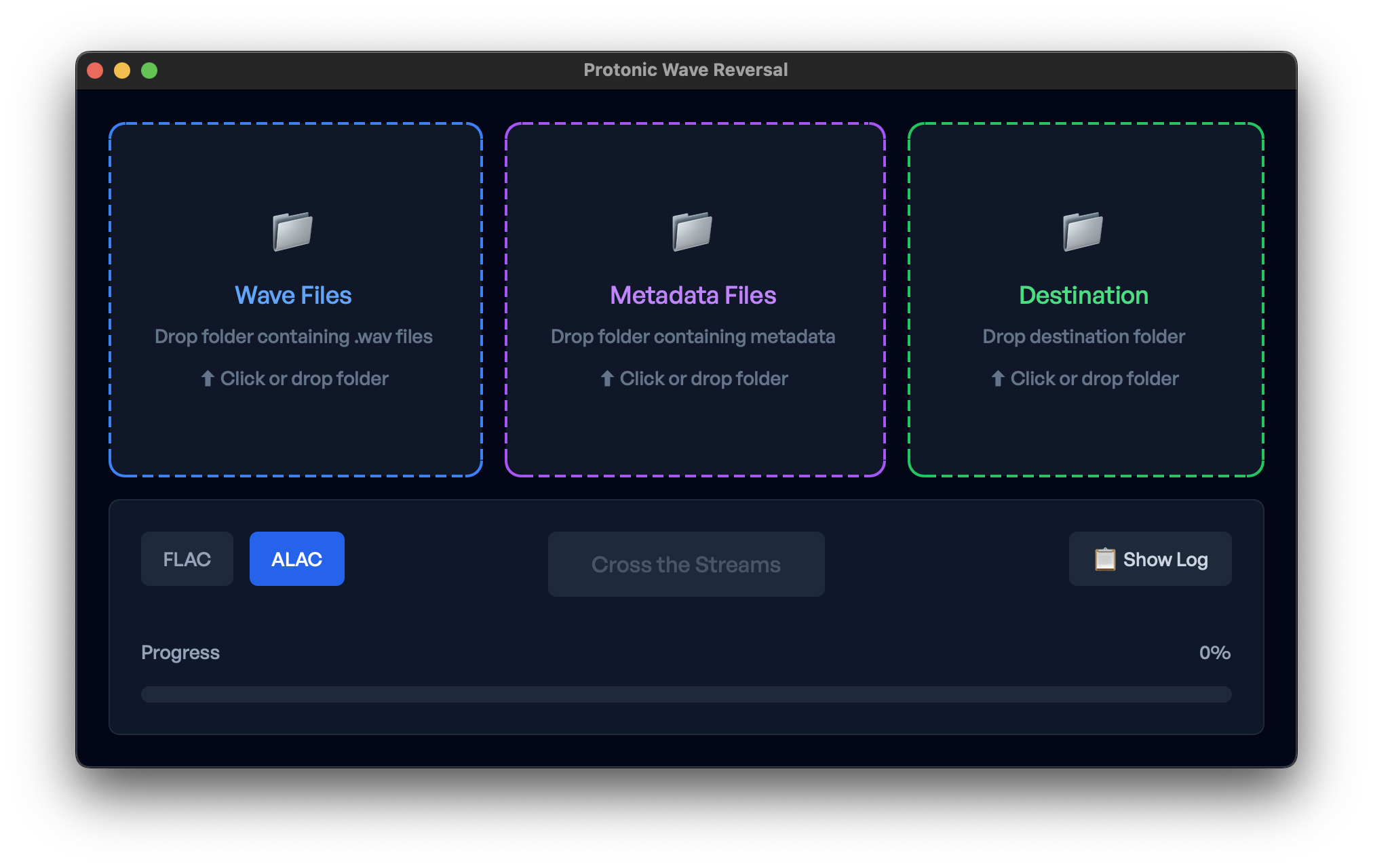
Now it's a full drag-and-drop GUI. No terminal commands. No supernatural disasters. Just simple conversions, but the script is still around.
Features
Converts WAV files to ALAC or FLAC
Pick your lossless poison.
Preserves original fidelity
Sample rates and bit depths up to 96kHz/24-bit stay intact. No quality degradation.
Migrates metadata automatically
Text tags and album art transfer from your MP3/FLAC files to the new lossless versions. Let the machines do the boring work.
How To Use It
Using Protonic Wave Reversal is a breeze:
- Drag your WAV files onto the wave files drop zone.
- Drag your MP3/FLAC files (the ones with metadata) onto the metadata files drop zone.
-
Drag your output folder onto the destination drop zone or defaults to
~/Desktop/converted/. - Select your format – ALAC or FLAC.
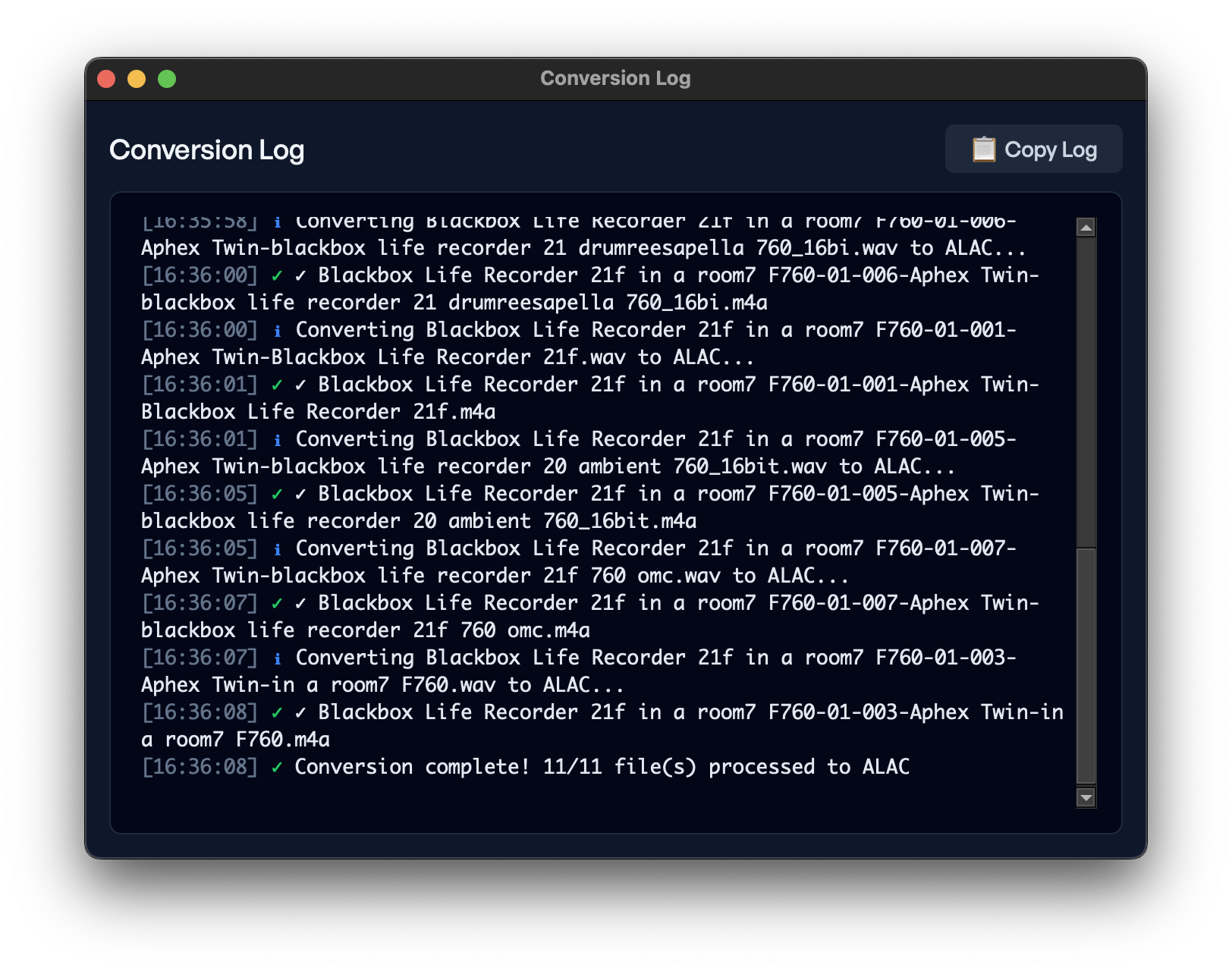
- Cross the streams and watch the magic happen.
No slime. No ectoplasm. Just properly tagged high-resolution lossless audio.
Screenshots
Two Ways to Get It
The Command Line
Open source command line tool
- Command line python script
- WAV to ALAC/FLAC conversion
- Automatic metadata migration
- Some tooling required
Drag-and-Drop Simplicty
MacOS version with drag-and-drop ease
- Makes audio nerds happy
- Support future updates
- Universal macOS app bundle
- No proton packs required